Month 01
Cloud computing fundamentals
Start from zero by understanding what cloud computing is and why organisations use it.
- Amazon Web Services (AWS)
- Microsoft Azure
- Google Cloud
Project: Traditional vs cloud comparison


After 12th · 3-month trackStarter
You learn how servers, storage, databases and networks are delivered over the internet, and how to set up, secure and manage them on cloud platforms.
4.9 on Google750+ reviews
Program
Cloud Computing
3months
One subject, one term, one live project.
Cloud is taught from the fundamentals upwards: you first understand what the cloud is and why organisations use it, then move one layer at a time through virtual machines, storage, networking, access management, security and monitoring. Every concept is connected to a practical task, so you configure resources yourself instead of learning terminology in isolation. Later months bring the pieces together through application deployment, automation and DevOps foundations. You finish with documented projects that show what you can actually set up and explain.
The 3-month program is the quickest way to find out whether Cloud Computing is the right career for you. You finish the foundations, build three guided projects and leave with a certificate — and every class counts if you later move up to the 6 or 9-month track.
Your 3 months at a glance
By the end of the cloud computing program you can do each of these on your own.
You can explain what the cloud is and identify the common reasons organisations adopt cloud infrastructure.
You can tell the service and deployment models apart and match each one to a suitable use case.
You understand how virtualized computing resources are used and can create and configure a virtual machine.
Month 01
Start from zero by understanding what cloud computing is and why organisations use it.
Project: Traditional vs cloud comparison
Month 02
Learn the main ways cloud services are offered and the environments organisations choose between.
Project: Cloud model recommendation
Month 03
Understand the virtual machines and compute resources that modern cloud infrastructure is built on.
Project: Your first virtual machine
Pick a month to see exactly what is taught, which tools you use and what you ship.
Month 1 of 3
Start from zero by understanding what cloud computing is and why organisations use it.
Tools this month
You ship
Traditional vs cloud comparison
Compare a traditional server setup with a cloud setup for a sample business and explain which one fits it better.
Month 2 of 3
Learn the main ways cloud services are offered and the environments organisations choose between.
Tools this month
You ship
Cloud model recommendation
Study three sample business needs and recommend a service model and a deployment model for each, with reasons.
Month 3 of 3
Understand the virtual machines and compute resources that modern cloud infrastructure is built on.
Tools this month
You ship
Your first virtual machine
Create a Linux virtual machine on a cloud platform, configure it and write down each step you followed.
4 tools across 3 months — introduced only when a project needs them.
Everything is installed in our labs. On your own laptop, a mentor helps you set it up in the first week.
Arts, commerce, medical or non-medical — start Cloud Computing from zero, before or alongside your degree.
BCA, B.Tech, B.Sc or B.Com students who want real project work next to their syllabus.
Finished a degree in another field? Build job-ready Cloud Computing skills with a portfolio to prove them.
Learn enough Cloud Computing to take paid work or bring the skill into your own business.
Most learners stop at: Memorises cloud terms and definitions
You get to: Configures cloud resources hands-on
Most learners stop at: Thinks only in physical servers
You get to: Works with virtual machines, storage and networks
Most learners stop at: Gives every user full access
You get to: Sets roles and permissions as required
Most learners stop at: Has only course completion to show
You get to: Has documented projects to demonstrate
Ten minutes on a call is enough to know whether 3 months of Cloud fits your stream, your college plans and your goal.
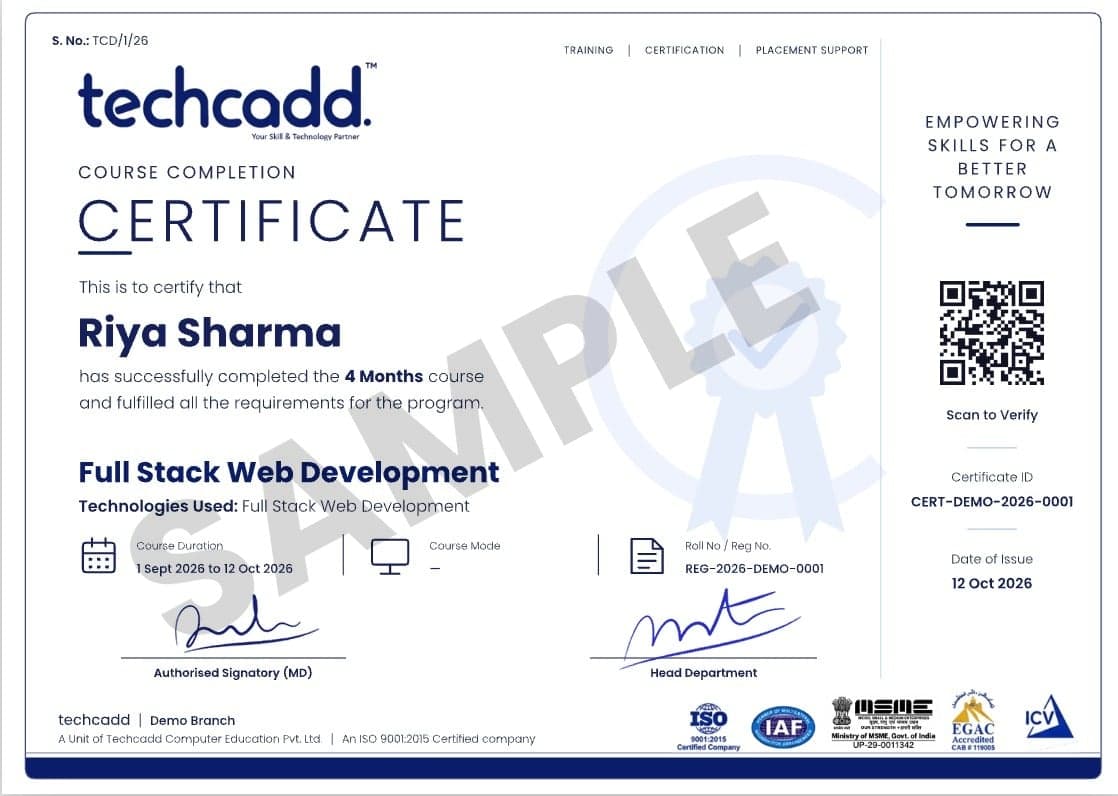
3 reviewed projects
You finish the cloud computing program with proof of what you built — not only a piece of paper.
Online-verifiable certificate that lists your modules, projects and grade.
Issued for live-project work on the longer tracks and accepted for college credit.
One reviewed project per month that you can walk an interviewer through.
Resume review, mock interviews and referrals to our hiring partners.
Four roles Cloud learners grow into — each one builds on the last.
Role 1 of 4
Helps users and teams with questions and issues around cloud resources, storage, networking and access.
Role 2 of 4
Looks after cloud resources day to day, including access, storage, monitoring and routine configuration.
Role 3 of 4
Sets up and manages the cloud infrastructure that applications are deployed and run on.
Role 4 of 4
Works on the automation, version control and delivery workflows that move applications into cloud environments.
Every topic in every month runs through the same three steps.
Step 1
A short concept class with a worked example — you see why before you see how.
Step 2
You build it yourself in the lab while a mentor reviews your work and unblocks you.
Step 3
You demo the result and answer questions — practice for every interview to come.
A first course after 12th should leave you with skills you can show, not notes you can't use.
You move on when your project is reviewed and working — not when the month ends.
The same tools, devices and accounts that working teams use every day.
Mentors who deliver client projects, so what you learn is what is used.
Start with 3 months and continue to 6 or 9 without repeating a single class.
Cloud Computing has become an important part of modern IT infrastructure because organizations increasingly use cloud environments for applications, storage, databases, networking, development, analytics, and other technology workloads. Learning how these environments work can therefore provide a useful technical foundation for people preparing for or progressing within technology careers.
01
Cloud learning helps students understand how computing resources can be provisioned and managed without relying exclusively on traditional physical infrastructure. Concepts such as virtual machines, storage, networking, scalability, availability, and resource management provide a foundation for understanding modern IT environments.
02
A good Cloud Computing learning path should go beyond definitions. Learners can develop practical understanding of creating or configuring cloud resources, managing access, working with storage and networking concepts, deploying applications, and monitoring cloud environments. The exact practical exercises depend on the technologies and platforms used in the program.
03
Cloud knowledge can support several technology career paths. Depending on additional skills and experience, learners may explore roles related to cloud support, cloud administration, system administration, DevOps, cloud engineering, infrastructure, technical operations, or cloud security. Cloud training alone does not guarantee any particular job; the required skills vary by employer and role.
04
Cloud Computing does not have to be studied in isolation. A developer can learn how applications are deployed in cloud environments. A system administrator can expand into cloud infrastructure. A networking learner can understand cloud networking. A cybersecurity learner can explore identity, access, infrastructure security, and cloud-specific risks.
05
For people changing careers into technology, Cloud Computing can provide a structured area of specialization. Beginners should first develop fundamental knowledge of computers, operating systems, networking, and basic technical concepts before progressing into more complex cloud environments.
06
Cloud skills can be demonstrated through practical projects. Examples might include deploying a simple application, configuring cloud storage, designing a basic cloud architecture, implementing access controls, setting up monitoring, or documenting a deployment workflow. A project portfolio can help learners demonstrate what they can actually do rather than relying only on course completion.
07
Cloud infrastructure supports many digital businesses, which can make cloud-related knowledge useful for freelancers and remote professionals. People with complementary skills in web development, system administration, DevOps, cybersecurity, or technical support may be able to apply cloud knowledge to client projects. Freelancing opportunities depend on individual expertise, portfolio quality, communication, and market demand.
08
Cloud environments continue to intersect with areas such as automation, containers, DevOps, data services, artificial intelligence, cybersecurity, and distributed applications. Learning cloud fundamentals can therefore provide a base for continuing technical development as learners move toward more specialized areas.
For learners in Punjab and other North Indian states, online learning can make specialized Cloud Computing education accessible without requiring relocation. The most valuable outcome, however, is not simply completing a course—it is developing a practical understanding of cloud technologies that can be demonstrated through skills, projects, and continued learning.
Learners from Punjab can use online Cloud Computing training to build skills relevant to IT services, startups, manufacturing technology, and businesses increasingly dependent on digital infrastructure. Those near Jalandhar can also consider classroom learning at the Techcadd centre.
Students and professionals in Haryana can approach cloud learning from an enterprise-technology perspective. The state's MNC, automobile, e-commerce, logistics, and IT-service ecosystem creates a useful context for understanding scalable digital infrastructure.
For learners in Himachal Pradesh, online learning can reduce the need to relocate for specialized technology training. Cloud skills can also complement remote-work and freelancing pathways for people building technology careers from cities such as Shimla, Dharamshala, or Solan.
Learners in Chandigarh can use Cloud Computing training to strengthen their profiles for IT, BPO, startup, education, and technology-related opportunities. Online study also provides flexibility for students and working professionals.
Students and professionals in Delhi NCR can use cloud training as part of a broader IT career pathway. The region's large technology, fintech, media, e-commerce, and services ecosystem makes cloud infrastructure knowledge relevant across many digital businesses.
Learners from Jammu and Srinagar can study online without needing to relocate to another state. Cloud skills can support technology-oriented career development, remote work, freelancing, and digital-business opportunities.
Students from Dehradun, Haridwar, and other parts of Uttarakhand can use online learning to access cloud training alongside education or employment. Cloud knowledge can complement opportunities connected with IT, education, pharma, and digitally enabled services.
Learners in Rajasthan, particularly around Jaipur, can explore Cloud Computing as a technical skill alongside the region's growing digital-business environment. Online learning can be useful for students who want access to specialized training without relocating.
Learners from Lucknow, Meerut, and other parts of Uttar Pradesh can study Cloud Computing online while developing broader IT skills. The state's IT, electronics, retail, and digital-service sectors provide relevant contexts for understanding cloud-based technology.
26 questions
3 months, with one module and one reviewed project per month. Classes are practical first: most of every session is spent building.
They share one roadmap. 3 months covers the foundations with guided projects, 6 months reaches portfolio level with an industry certificate and placement support, and 9 months adds specialisation, an internship-style capstone and placement preparation.
Yes. The roadmap starts with fundamental concepts and progresses gradually, so beginners can follow it. Basic computer knowledge and an interest in technology make the learning process easier.
Yes. 12th-pass students with a strong interest in computers and technology can explore cloud computing. For a technical career you should also keep building foundational knowledge alongside it, through higher education or further skill development.
Cloud skills can support roles such as Cloud Support Associate, Cloud Administrator, Cloud Engineer and DevOps Engineer. Job requirements vary by employer and usually call for additional technical skills and experience, so projects and continued practice matter.
Program certificate, a portfolio of 3 reviewed projects and guidance on what to learn next.
Yes. You can move up to the 6-month certificate program or the 9-month diploma program and carry on from where you stopped — no class is repeated.
Yes. The program starts from zero and is open to arts, commerce, medical and non-medical students. You only need basic computer skills.
Yes. Morning, evening and weekend batches are available, and live online classes come with recordings for revision.
No institute can honestly guarantee a job. We give placement support — resume and portfolio reviews, mock interviews and referrals — and keep helping until you are placed.
Book a free counselling session or message us on WhatsApp. A counsellor will share the current fee, instalment options and scholarships for your chosen program.
A Cloud Computing course teaches the fundamentals and practical concepts used to work with cloud-based computing infrastructure, services, storage, networking, deployment, security, and related technologies.
Graduates, postgraduates, working professionals, job switchers, career changers, and beginners with an interest in technology can consider a Cloud Computing course. The exact eligibility requirements should be confirmed with the training provider.
Yes, Cloud Computing can be suitable for beginners when the course starts with fundamental concepts and progresses gradually. Basic computer knowledge and an interest in technology can make the learning process easier.
A Cloud Computing syllabus commonly covers cloud fundamentals, service and deployment models, virtualization, computing, storage, networking, identity and access management, security, monitoring, deployment, and cloud-related automation. The exact Techcadd syllabus should be confirmed before enrolment.
Common cloud technologies include AWS, Microsoft Azure, Google Cloud, Linux, Docker, Kubernetes, Terraform, Git, GitHub, and Jenkins. The tools actually covered should be verified against the current Techcadd curriculum.
Course duration depends on the training provider, syllabus depth, learning mode, and number of practical sessions. An exact Techcadd duration is not established by the supplied course information, so it should be confirmed before enrolment.
Yes, Cloud Computing can be learned online, including through live online training where offered. Online learning can allow students and professionals from different cities and states to study without relocating.
Offline learning can be available at the Techcadd centre in Jalandhar, Punjab. Learners outside Jalandhar can use online learning rather than assuming that Techcadd has physical centres in other cities.
Cloud Computing skills can support roles such as Cloud Support Associate, Cloud Administrator, Cloud Engineer, Cloud Infrastructure Engineer, DevOps Engineer, and related infrastructure or technical-support positions. Job requirements vary by employer and usually require additional technical skills and experience.
Yes, Cloud Computing can complement freelance services involving application deployment, cloud infrastructure, server administration, DevOps, technical support, and related IT work. Freelance opportunities depend on the learner's practical skills, portfolio, communication, and client demand.
Yes, students from Punjab can learn Cloud Computing online without relocating to Jalandhar. Learners who prefer classroom-based training can explore the Techcadd centre in Jalandhar.
Yes, students from Haryana can join Cloud Computing training online. This can be useful for learners balancing education, employment, or other commitments while developing skills relevant to IT services, MNCs, e-commerce, logistics, and technology businesses.
Yes, students from Himachal Pradesh can learn Cloud Computing online. Online learning can be particularly useful for learners who want access to specialized technology training without relocating from cities such as Shimla, Dharamshala, or Solan.
Yes, Cloud Computing can be suitable for students from Uttar Pradesh who are interested in IT and technology careers. Learners can combine cloud knowledge with programming, networking, cybersecurity, DevOps, or other technical skills.
Cloud Computing has career relevance across IT services, software, e-commerce, fintech, SaaS, healthcare, education, manufacturing, logistics, and other digital industries. Career progression depends on developing practical cloud skills and complementary technical expertise.
Tell us your stream and goal — we will suggest the right duration, share fee details and book your free demo.
2nd Floor, Crystal Plaza, SCS 78, Opposite PIMS Hospital, Jalandhar, Punjab 144001Mon – Sat: 9:00 AM – 7:00 PM
Sit in a free demo class first. If Cloud is not for you, a counsellor will help you find what is.